Guide 06 · Your place in the city
Homes, rent and neighbourhoods
Your home gives you an address, a room to live in, nearby neighbours and practical ways to recover and organise your life.
Know this first
Your address connects you to a block
Homes can be rented or bought
Home is useful, not just decoration
Your address places you in a neighbourhood
Moving in gives your character a real address. That address decides which block you belong to, who lives nearby and which local stories can find your door.
Choose Now on the Life Compass, then Home, to see the address again. Choose Your Block under The City to step outside and see the nearest doors. Neighbours may be human players or clearly labelled Townsfolk, which means computer-controlled residents.
Your exact door is used where the game needs it, such as showing the correct neighbours or delivering something. The public newspaper normally names only the street, so a public story does not need to publish a private flat number.
Use the room around you
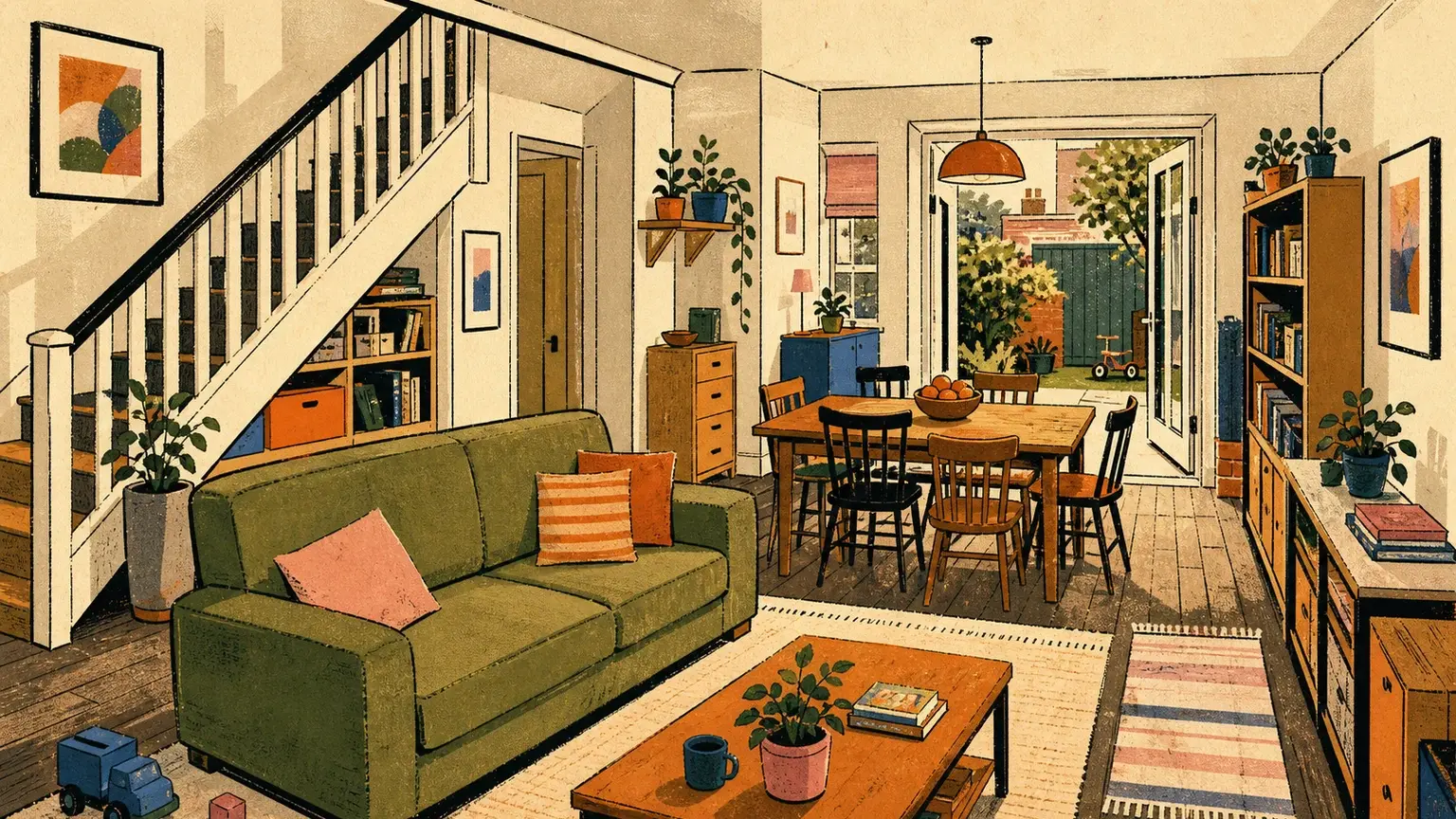
Select a part of the illustrated room to open the choices connected to it. The door, resting area, belongings and wall each have a different purpose, so you do not have to search a row of unrelated buttons.
A new item may be carried with you or kept at home. Open Your Things to check its location before assuming it has disappeared.
- Check the door for visitors, deliveries and small events.
- Open Your Things from the belongings area.
- Use the room’s recovery choices when your character needs them.
- Add small personal touches through furniture, keepsakes and memories.
Rent and missed payments
Rent leaves your money on a regular schedule. Your home page shows who the landlord is and whether a payment needs attention.
Missing rent creates arrears, which simply means unpaid rent. It is a problem you can respond to, not an instant surprise loss. Read the warning and use work, banking or support routes before the amount grows.
If rent remains unpaid past the limit shown on the home page, the lease can end. Your character moves to protected housing rather than being left without anywhere to play. The warning states what is due and when the lease is at risk.
Your door connects home to other people
The mat by the door can hold visits, gifts, letters, rent notices and small neighbourhood events. Read the newest item, deal with anything urgent and leave the rest for later.
Use the Block view when you want to meet nearby residents. An unfamiliar person may first appear as a silhouette. Learning who they are is part of meeting them, not missing profile data.
Rent, buy or sell through the Property Window
The Property Window separates homes to rent, buildings for sale and property you already hold. A sale listing names the address, asking price, assessed value, condition and any existing tenancies before you commit.
Buying an occupied building does not remove its residents. Their leases continue and later rent is routed to the new owner. A purchase also has stated taxes and ongoing property costs, so the asking price is not the whole commitment.
Only a real listing can be rented or bought. A painted building, empty-looking plot or map label is not an offer. Owners can list eligible property for sale or rent from their paperwork in the Property Window.