Guide 01 · New resident
Your first ten minutes
Make your character, learn where you live, earn your first money and leave one interesting reason to return.
Know this first
Start on Now
One useful choice is enough
Stop with something to look forward to
Make somebody you want to follow
After you sign in, the game asks you to confirm that you are at least eighteen and then helps you make your first character. Pick a name, appearance and beginning that you would enjoy turning into a story. Your character is a person, not a collection of perfect numbers.
You can build a career, a home, friendships and a public reputation. You do not need to decide all of that before you begin, and there is no character type that closes every live path.
Find your feet
- 1
Open Now
This page shows the few things that matter to your character today. It is the safest place to return when the city feels large.
- 2
Visit your home
Choose Now on the Life Compass, then Home. Learn your address, look at what is by the door and see the belongings already waiting for you.
- 3
Look at the map
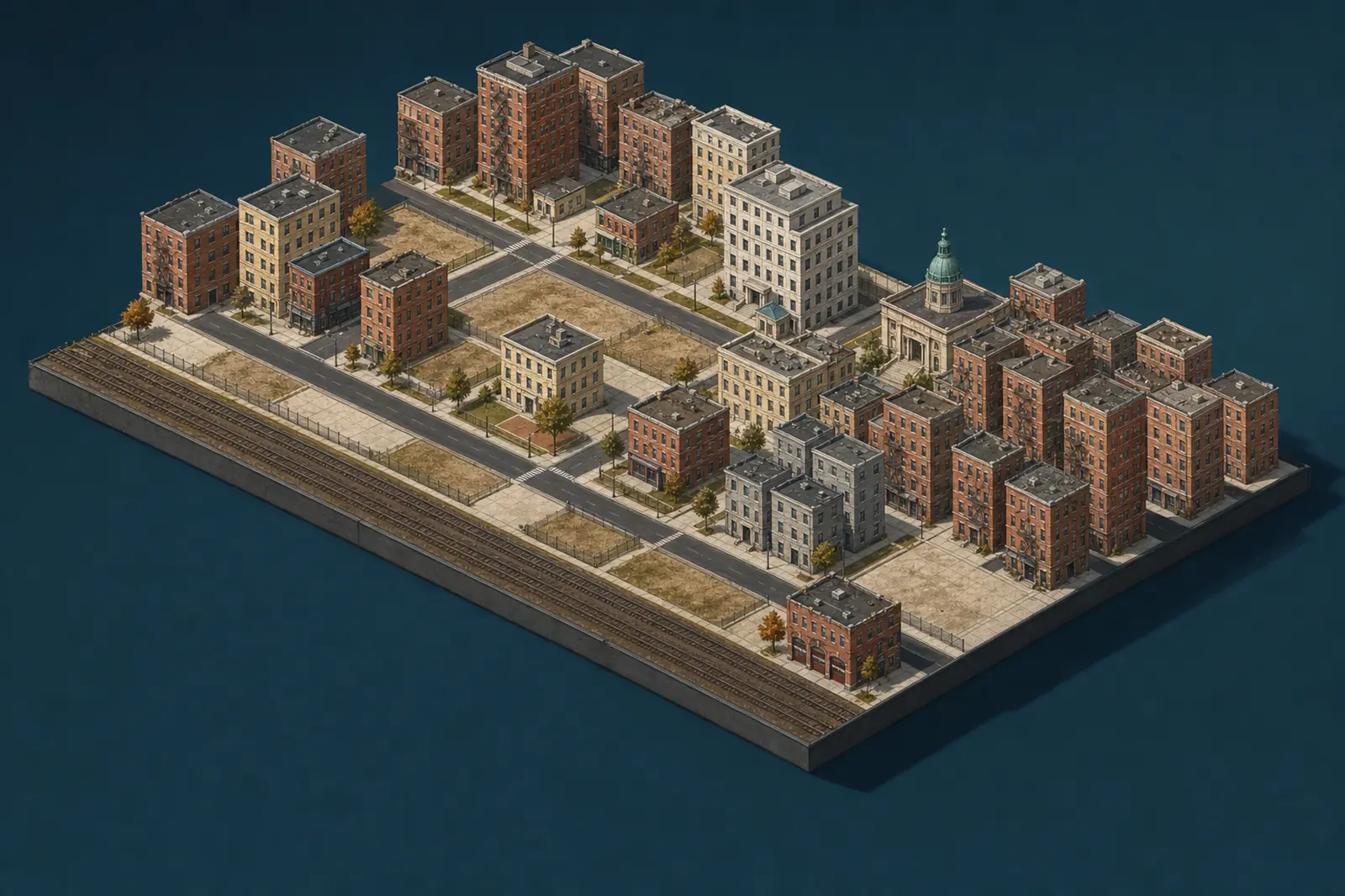
Choose The City on the Life Compass, then The District. Find your block, the Job Centre, a food shop and Northbridge Bank on the map.
Set up the basics for money
Adult jobs and shopping use your City ID, bank account and debit card. If Now offers a set-up card, follow it before hunting through other pages. You can also open your Pocket, choose Wallet and follow the directions to the Registry or Northbridge Bank.
This is a one-time piece of your character's life, not a fee you repeat before every shift. Once it is finished, your wages and purchases have a clear home.
Make one useful choice
Choose Your Life on the Life Compass, open Work & School and visit the Job Centre. Take a suitable shift or odd job, then wait for the stated finish time. When the work is complete, your result shows the pay and any progress you made.
Use some of that money to buy something useful such as food. That simple route teaches the heart of Public Lives Game: your character gives time to work, receives wages and uses those wages to shape the next choice.
Read each result before pressing anything else. It tells you what changed, what it cost and whether a new opportunity opened. If a button is unavailable, read the reason beside it; the usual causes are missing ID, not enough money or your character already being busy.
Leave a reason to come back
Notice one unfinished story before you leave: somebody may reply, a shift may finish, rent may be approaching or a place may have something new tomorrow.
Then stop. Public Lives Game is made to fit around your life. It does not punish you for closing the game, and there is no reward for pressing every available button in one visit.
When you return, begin on Now again. It gathers the most useful changes so you do not have to remember which page was open.